To update business information:
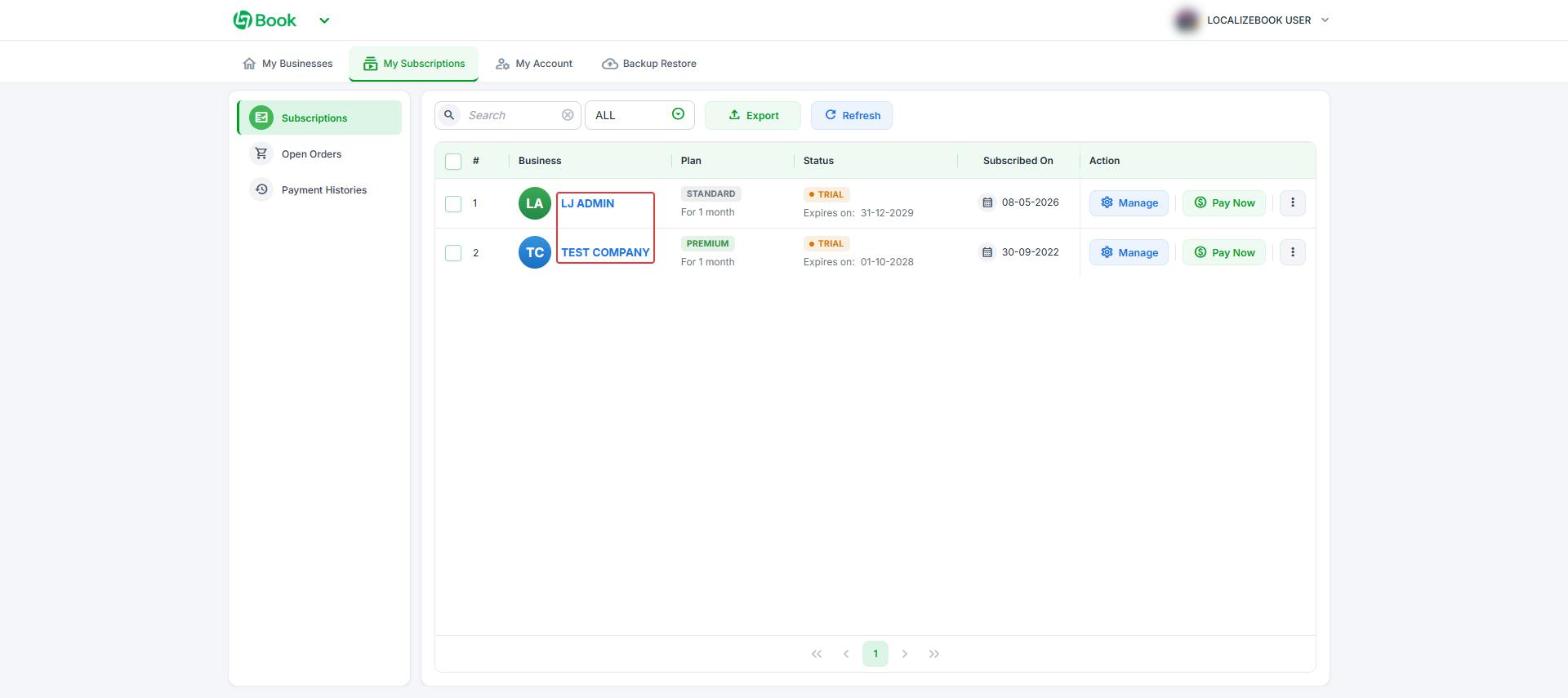
- Go to the My Subscriptions in the User Home.
- Click on the “name of your company” that you want to update or change.
- Click on the “Update” button.
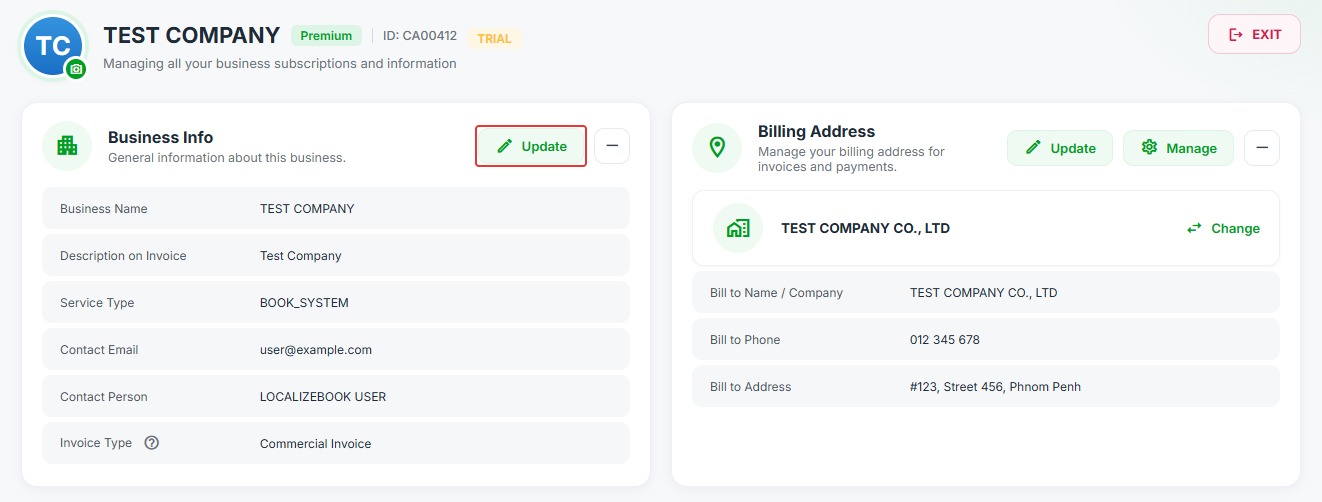
Your registered or primary email address, phone number, etc. will by default be the one you gave when signing up for Localizebook using your business information.
Last updated: Oct 15, 2026To update business information: