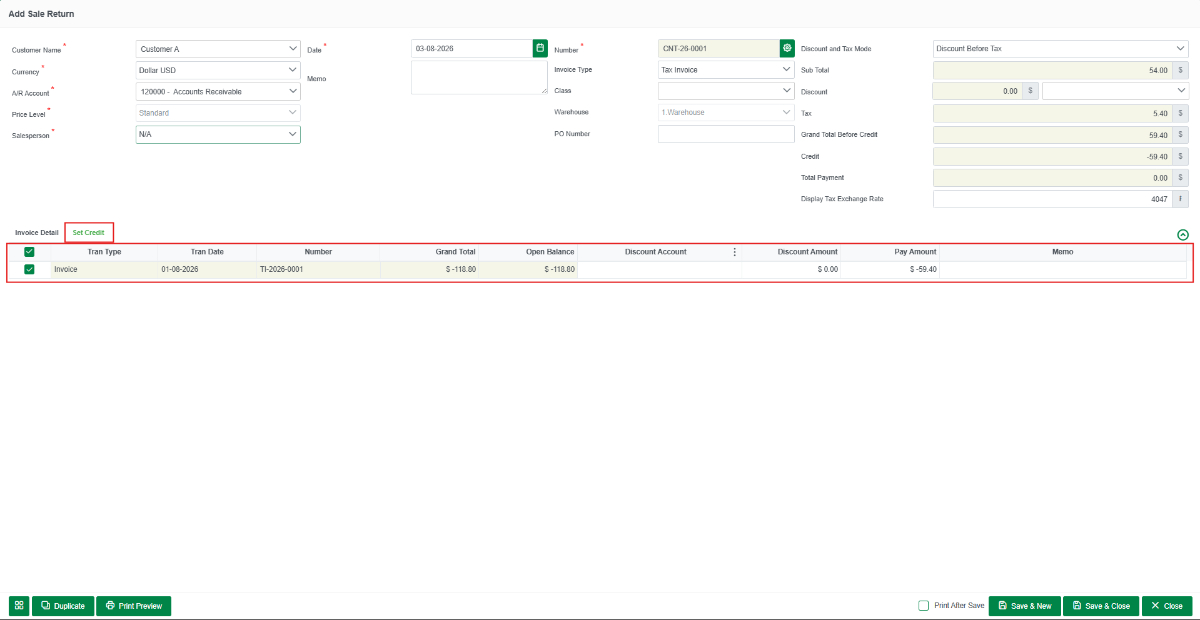
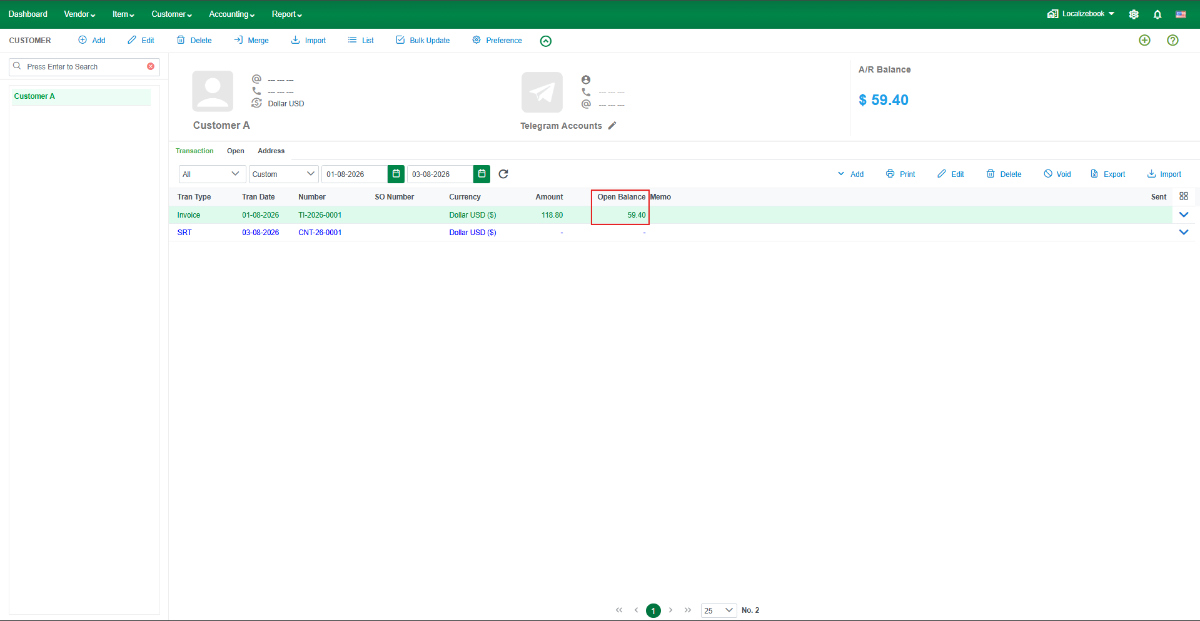
A Sale Return (SRT) is used to record goods returned by a customer after a Sale Invoice has been created. It updates inventory by recording the returned items and creates a customer credit (Credit Note) that can be applied to the related Sale Invoice, reducing the outstanding Accounts Receivable (A/R) balance.
Use a Sale Return when:
- Sold goods are returned by the customer.
- Incorrect items were delivered.
- Damaged goods are returned.
- Excess quantities are returned.
- A Sale Invoice requires adjustment.
Create a Sale Return (SRT)
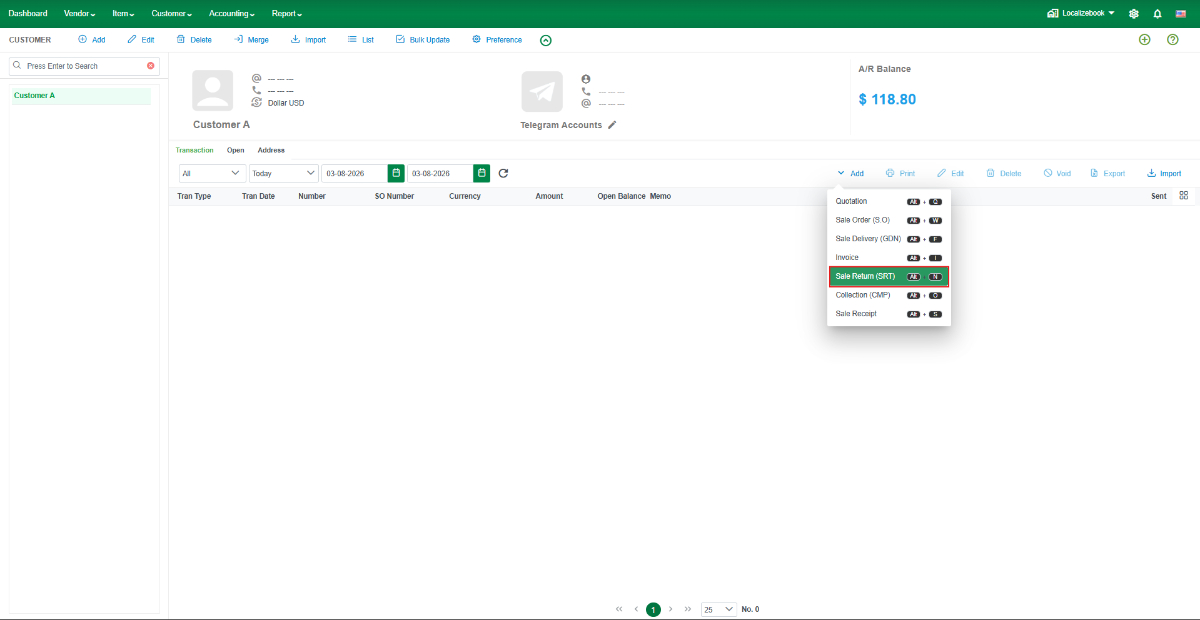
- Go to Customer > Customer Center, select the customer, then click + Add > Sale Return (SRT).
Enter the returned items.
- Select the item(s) being returned.
- Enter the return quantity.
- Review the price, tax, warehouse, and other required information.

Apply the Sale Return to the Sale Invoice.
- Open the Set Credit tab.
- Select the related Sale Invoice that you want to offset using the Sale Return.
- Click Save & New or Save &Close.