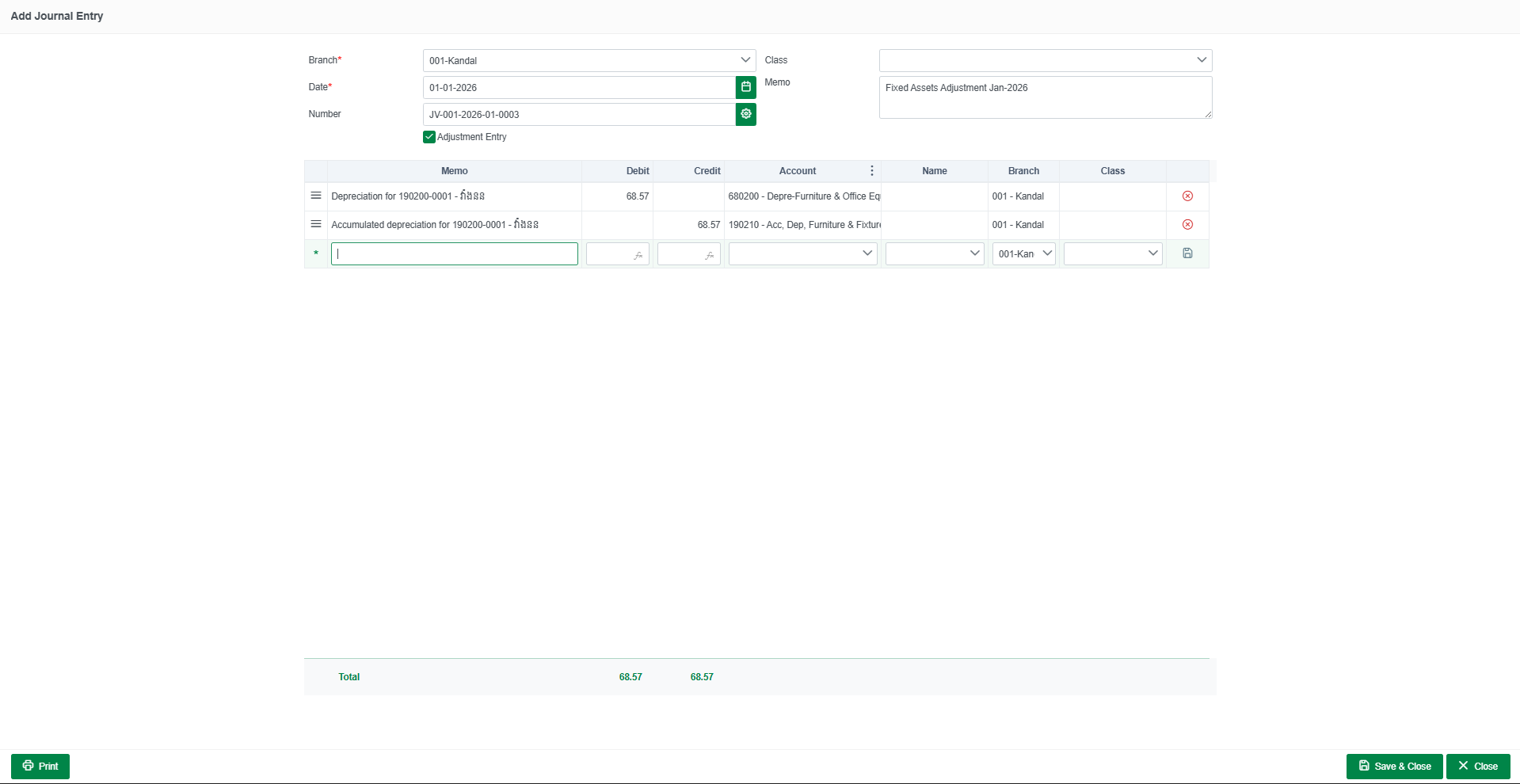
Go to Menu Accounting -> Fixed Assets
- Create Fixed Asset Group

When Create Fixed Asset Group Now we can Add Fixed Asset
Go to Tab Registered Click Add
- Select Your Fixed Asset Group
- Write Your Fixed Name
- Select Purchase Date and Purchase Cost
Depreciation Settings
- Depreciation Start Date (in Localize) Select date you start Depreciation in Localizebook
- select Depreciation Method
- Write Your Useful Life (Years)
- select Averaging Method
Click Save Done

when Create Fixed asset already you can Go to Journal Entry
Go to Accounting > journal Entry
- Click Add Special > Add Depreciation Journal
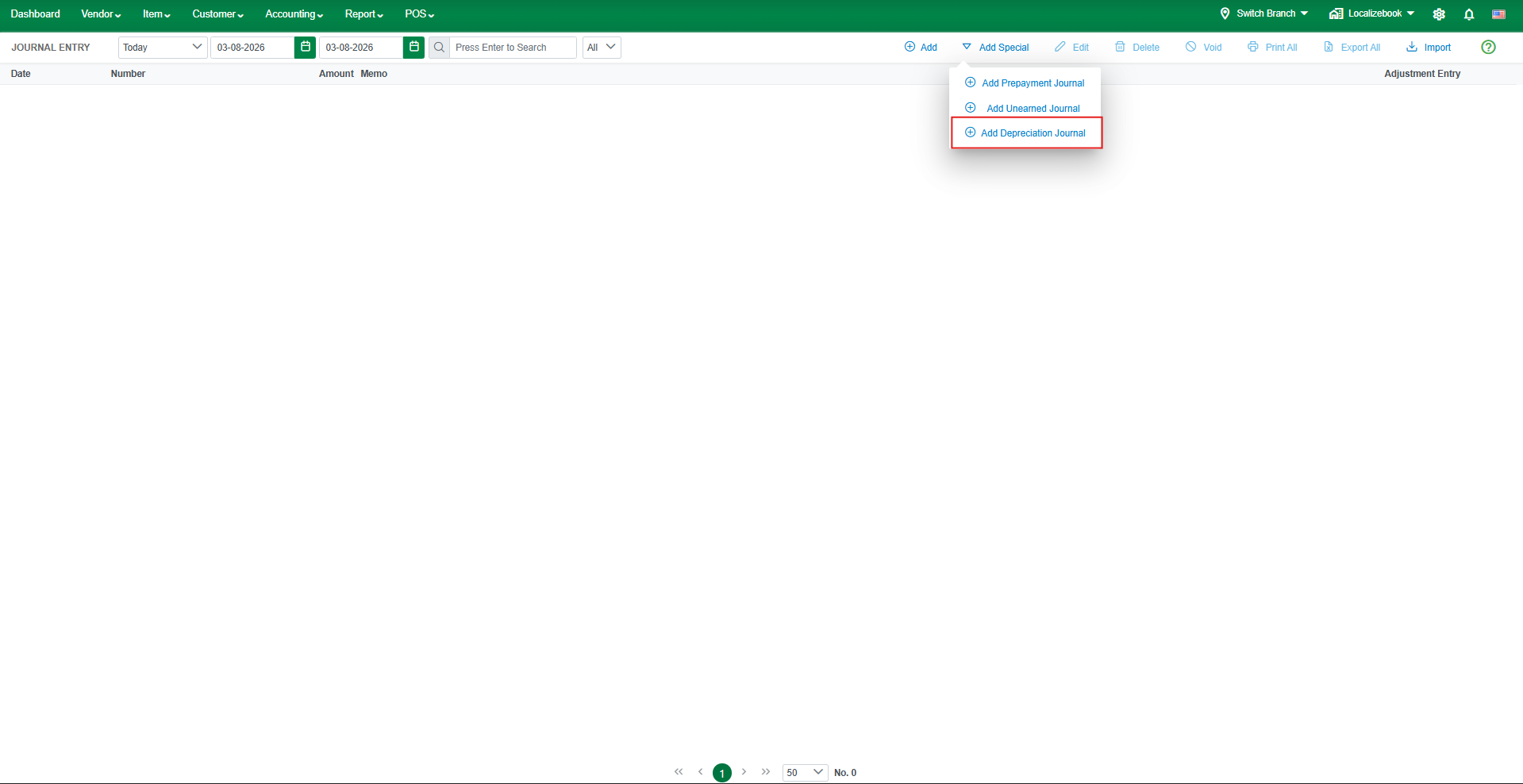
Click save done