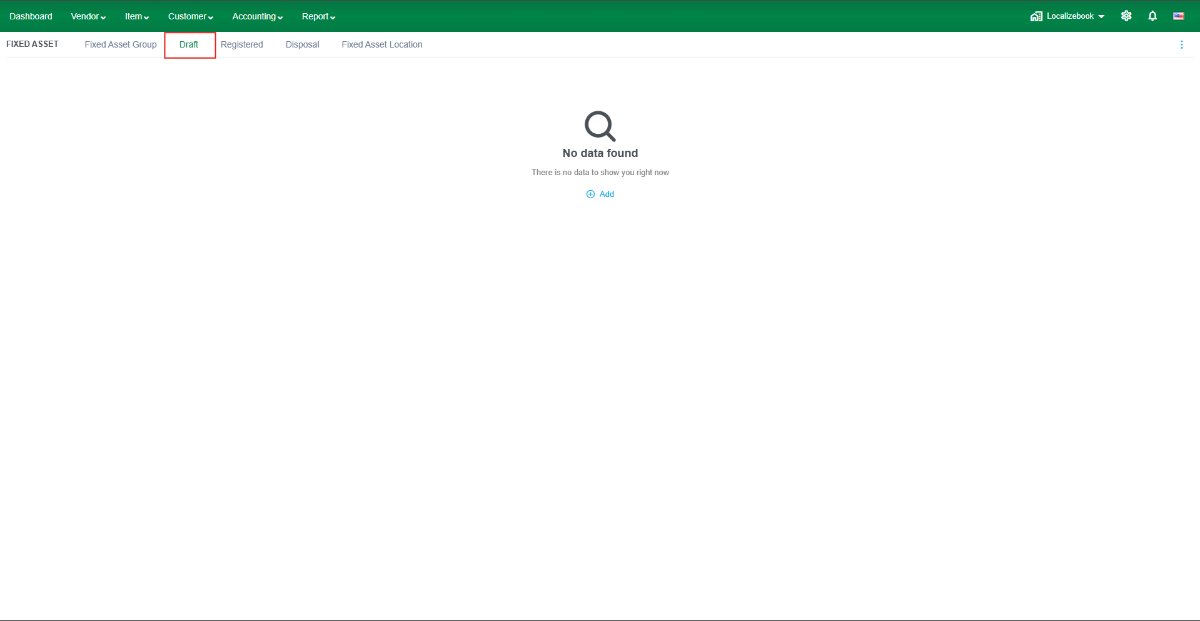
The Draft feature allows you to create and review fixed assets before registration. Purchased fixed assets are initially saved as Draft, allowing you to verify and update the information before registering them.
Note: Fixed assets in Draft status are not depreciated or included in fixed asset reports until they are registered.
Field Description
- Status – Displays the current status of the fixed asset.
- Code – Enter a unique code for the fixed asset.
- Purchase Date – Enter the date the fixed asset was purchased.
- Name – Enter the name of the fixed asset.
- Purchase Cost – Enter the acquisition cost of the fixed asset.
- Use Tax Depreciation – Enable this option to use tax depreciation settings, if applicable.
Book
- Depreciation Start Date – Select the date depreciation begins.
- Residual Value – Enter the estimated value of the asset at the end of its useful life.
- Depreciation Method – Select Straight-Line or Declining Balance.
- Averaging Method – Select Full Month or Full Year.
- Useful Life (Years) – Enter the estimated useful life of the asset.
- Opening Accumulated – Enter the accumulated depreciation if migrating existing fixed assets.
Additional Info
- Vendor – Select the vendor from whom the asset was purchased.
- Serial Number – Enter the asset's serial number, if applicable.
- Bill No – Displays the related purchase bill number.
- Warranty Expiry Date – Enter the warranty expiration date.
- Tagging Code – Enter an internal asset tag or identification code.
- User – Specify the employee or person responsible for the asset.
- Fixed Asset Location – Select the physical location of the asset.
- Remarks – Enter additional notes or comments about the asset.
Recommendation: Review all information in Draft before registering the fixed asset. Once registered, the asset becomes available for depreciation and financial reporting.