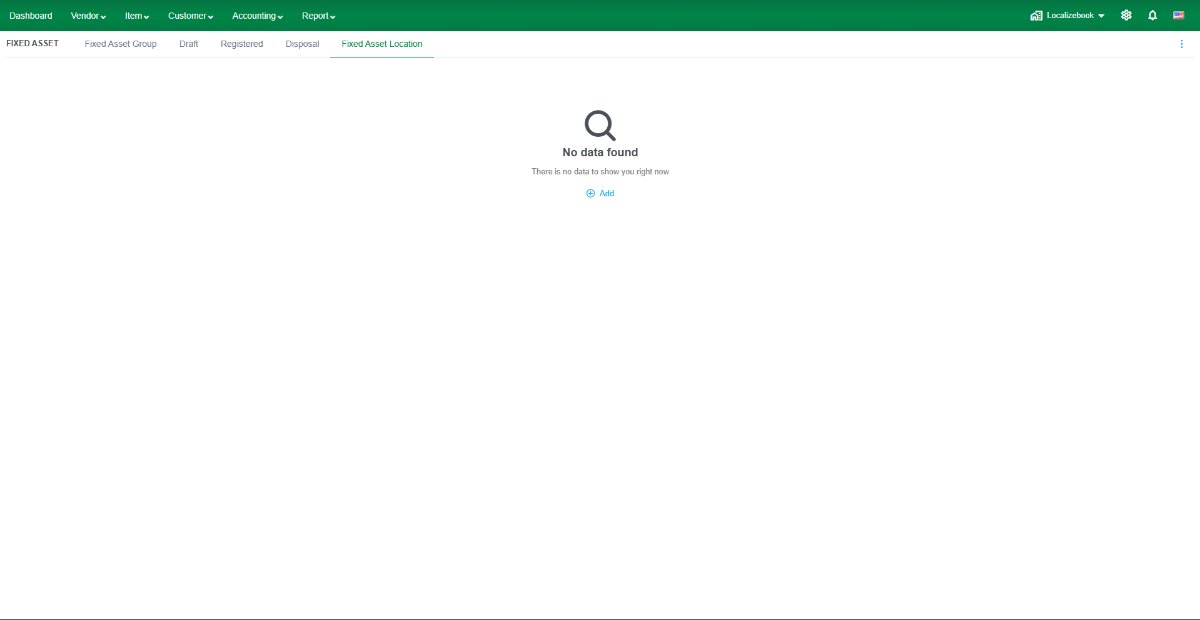
The Fixed Asset Location feature allows you to create and manage the physical locations of fixed assets, such as offices, warehouses, departments, or branches. Locations can be assigned to fixed assets to help organize and track where assets are being used.
Field Description
- Name – Enter the name of the fixed asset location.
- Sub of – Select a parent location to create a hierarchical location structure (optional).
- Description – Enter additional information about the location (optional).
Note: Fixed Asset Locations can be assigned when creating or editing a fixed asset to indicate where the asset is currently located.
Recommendation
- Create separate locations for each office, warehouse, department, or branch to improve asset tracking.
- Use the Sub of field to organize locations into a parent-child hierarchy when managing multiple locations.
- Keep location information up to date whenever a fixed asset is transferred to a different location.