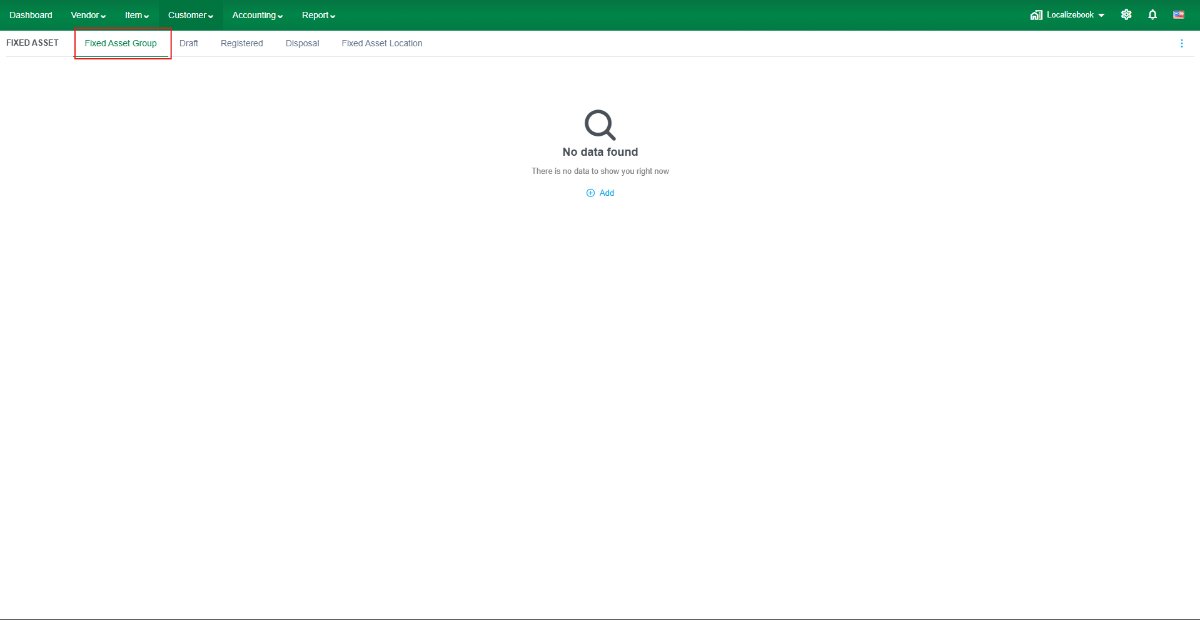
A Fixed Asset Group is used to categorize fixed assets with similar accounting and depreciation settings. When a fixed asset is assigned to a group, the system automatically applies the configured accounts and depreciation settings.
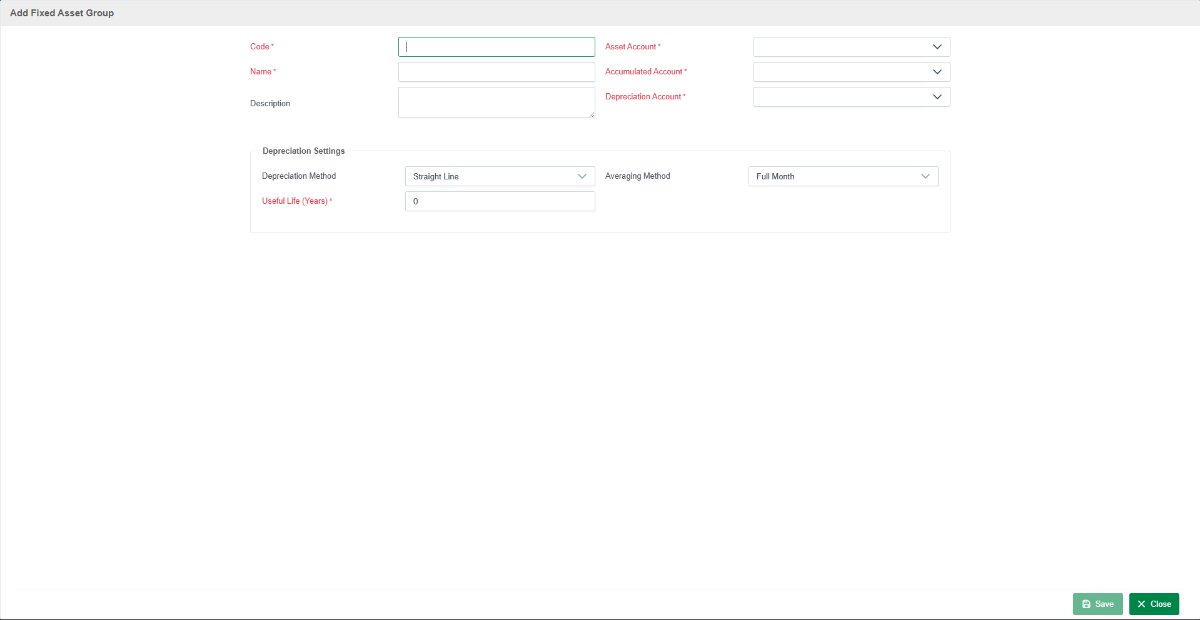
Field Description
- Code – Enter a unique code for the Fixed Asset Group.
- Name – Enter the name of the Fixed Asset Group.
- Description – Enter additional information about the group (optional).
- Asset Account – Select the fixed asset account.
- Accumulated Account – Select the accumulated depreciation account.
- Depreciation Account – Select the depreciation expense account.
Depreciation Settings
- Depreciation Method – Choose Straight-Line or Declining Balance.
- Averaging Method – Choose Full Month or Full Year.
- Useful Life (Years) – Enter the estimated useful life of assets in this group.
Recommendation: We recommend using the Straight-Line depreciation method for most businesses because it provides consistent depreciation throughout the asset's useful life. Use the Declining Balance method only if it aligns with your company's accounting policy or local tax requirements.