Default accounts are filled in automatically when you create a transaction, so you do not pick them every time. You can still change them on the transaction. Path: Settings > Preference > Default Account.
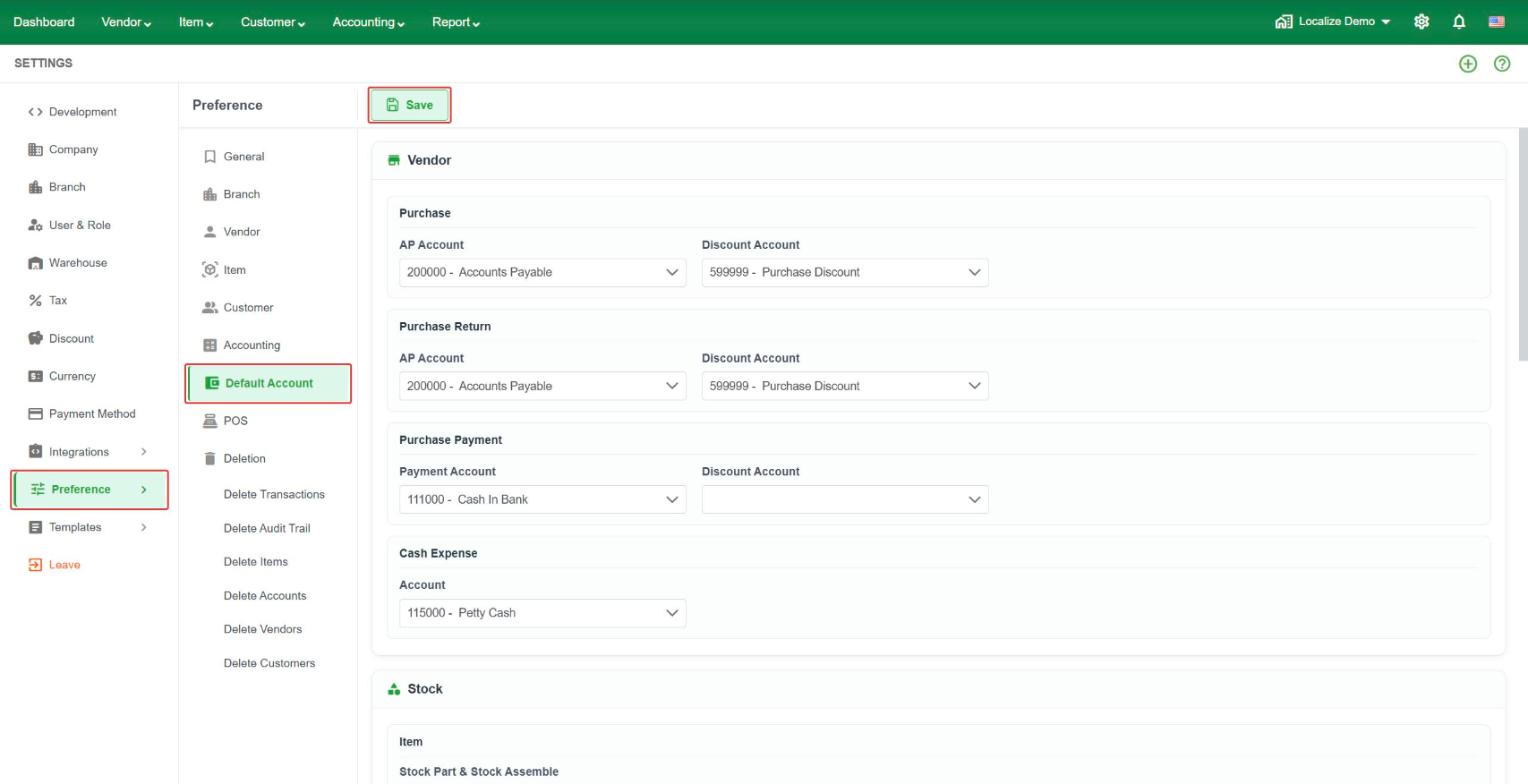 Vendor
- Purchase – AP Account and Discount Account.
- Purchase Return – AP Account and Discount Account.
- Purchase Payment – Payment Account (for example Cash in Bank) and Discount Account.
- Cash Expense – Account (for example Petty Cash).
Stock
- Stock Part & Stock Assemble – Asset Account, COGS Account, and Revenue Account.
- Service – Service Account. Tick Use Purchase And Sale Account to set a Revenue Account and an Expense Account instead.
- Stock Issue – Account.
- Stock Adjustment – Account.
Customer
- Invoice – AR Account and Discount Account.
- Sale Return – AR Account and Discount Account.
- Collection – Deposit Account and Discount Account.
- Sale Receipt – Deposit Account and Discount Account.
Account
- Bank Deposit – Deposit Account.