Use these settings if your business works with more than one branch. Path: Settings > Preference > Branch. This feature requires the Branch add-on.
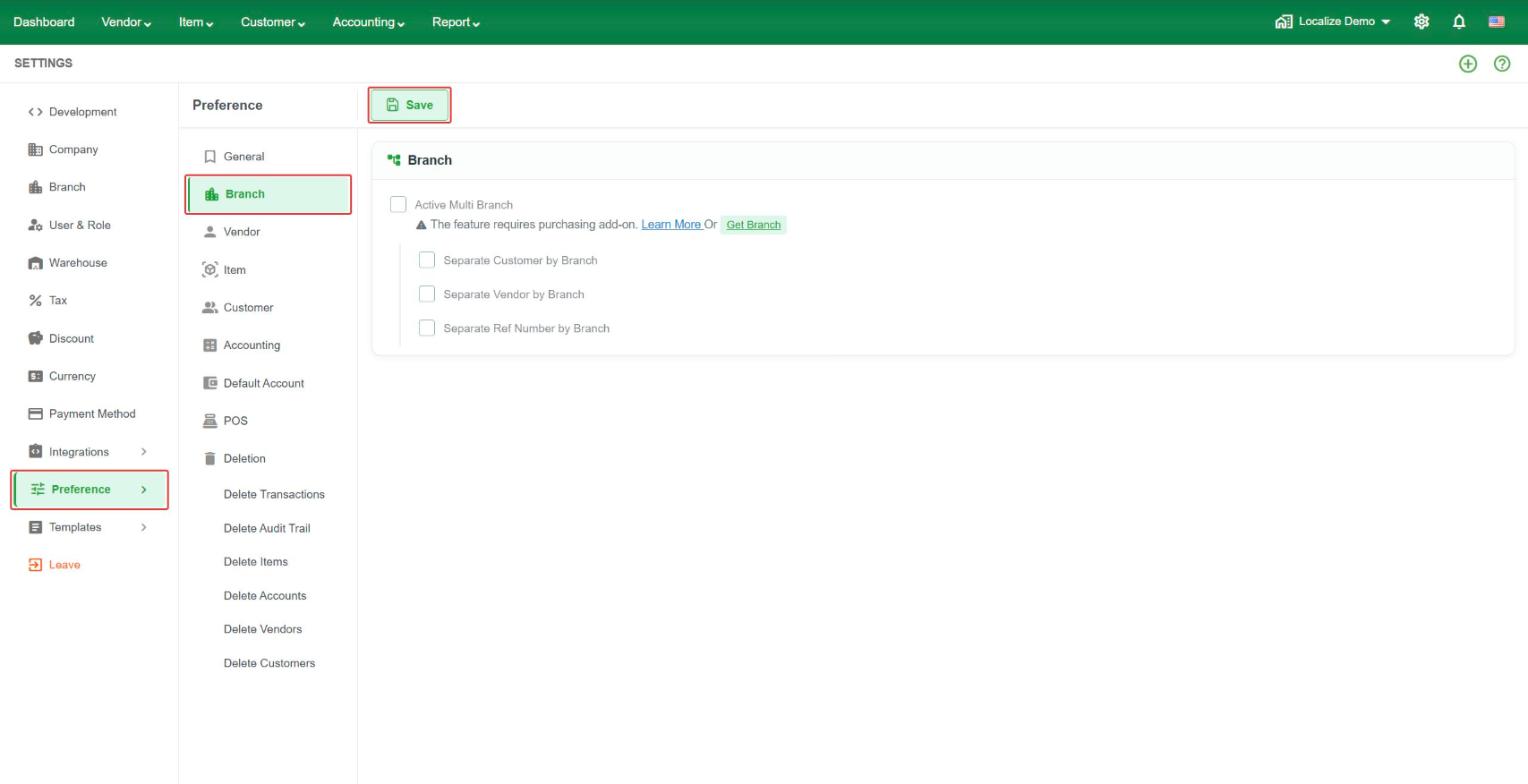 Active Multi Branch – turn on multi-branch. The three options below are available once it is on.
- Separate Customer by Branch – each branch sees only its own customers.
- Separate Vendor by Branch – each branch sees only its own vendors.
- Separate Ref Number by Branch – each branch has its own transaction reference numbers.